People learned it, but do not use it at work
We practice with the work your team does every day and leave behind a workflow they can use right away.
We do not stop at training or a demo. We start with one repetitive workflow, let your team try it, connect it to company systems and help keep it running.
Another tool will not change the work on its own. The workflow, company data, human decisions and operating owner need to change together.
We practice with the work your team does every day and leave behind a workflow they can use right away.
Permissions, security, internal integrations and post-launch ownership are designed from the start.
We look beyond usage counts to time saved, quality and the change in customer experience.
Start with an assessment, training or a working system. We meet you at the current stage and stay until people use it and the results are clear.
Choose one workflow to change first. Define its owner, goal, data and security boundaries together.
DIAGNOSE → PRIORITIZE → ROADMAPPractice with real work by role. The team leaves with workflows and rules they can use right away.
LEARN → PRACTICE → ADOPTMake AI handle repetitive document, service, sales and operations work, then connect it to the tools already in use.
PROVE → INTEGRATE → DEPLOYWatch quality and cost, fix failures and expand only the workflows that prove useful.
MEASURE → GOVERN → IMPROVEIn two weeks, we build a working screen with real data. Your team can try it and decide whether the next investment makes sense.
Start with work that takes too long, creates costly errors or has a clear upside.
Use real data and give the owner a way to review and correct the result.
Expand what works, fix what falls short and stop what does not fit. Do not begin with a large bet.
Company knowledge, sales, learning, legal, voice and multilingual work—ideas turned into products and systems that people actually use.
thread0 runs and tracks long-running work across Claude, GPT and Gemini in one place, with human approval available at the moments that matter.
The organization layer for thread0. Manage organizations, seats, policy, audit, usage and devices while administrators remain unable to read members’ conversations.
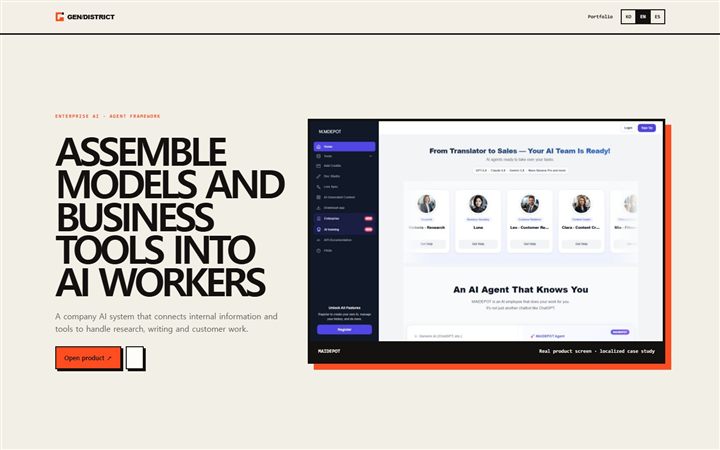
A company AI system that connects internal information and tools to handle research, writing and customer work.
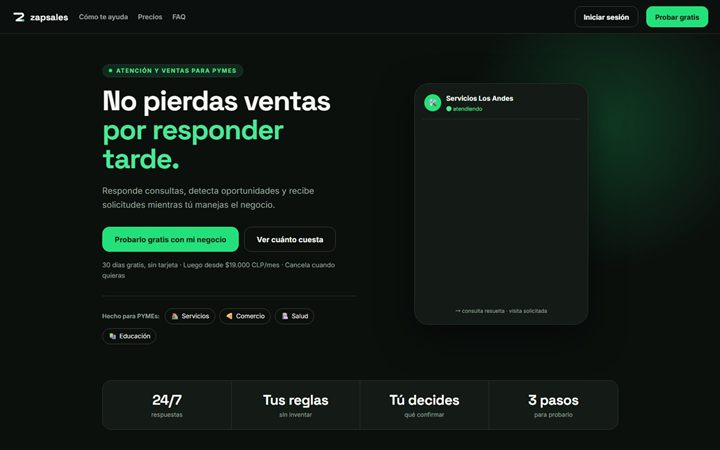
A sales tool that answers WhatsApp from the real catalogue and hands serious buyers to a person with full context.
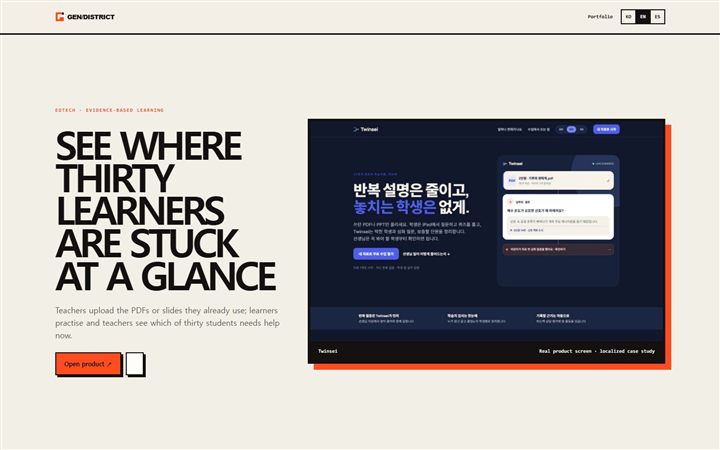
A classroom tool that turns existing teacher material into AI practice and shows which of thirty learners needs help now.
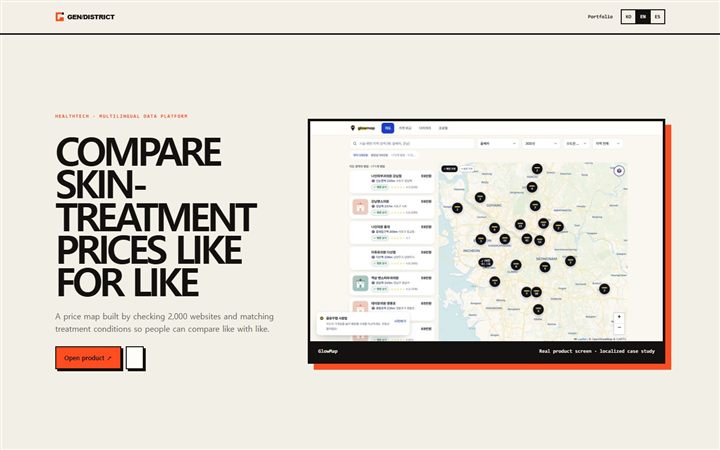
A price map built by checking 2,000 websites and matching treatment conditions so people can compare like with like.
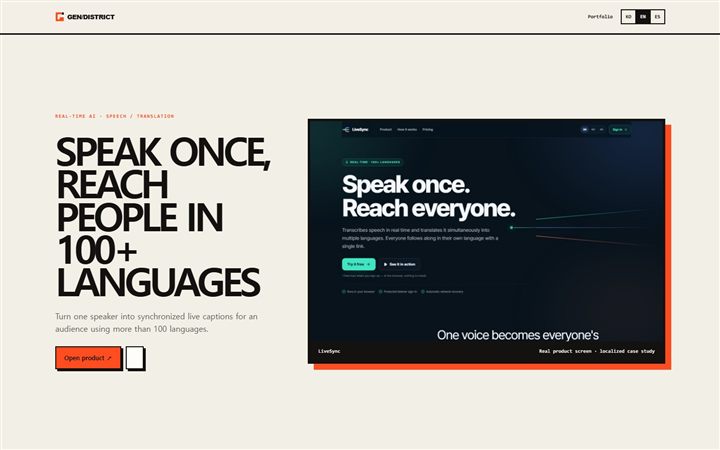
A live interpreter that turns one speaker into synchronized captions in more than 100 languages.
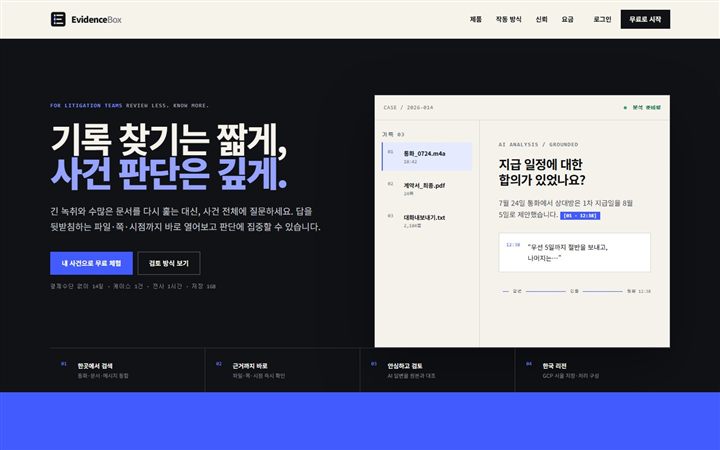
A matter-review tool that searches calls, files and messages and returns every AI answer to the exact page or moment in the original.
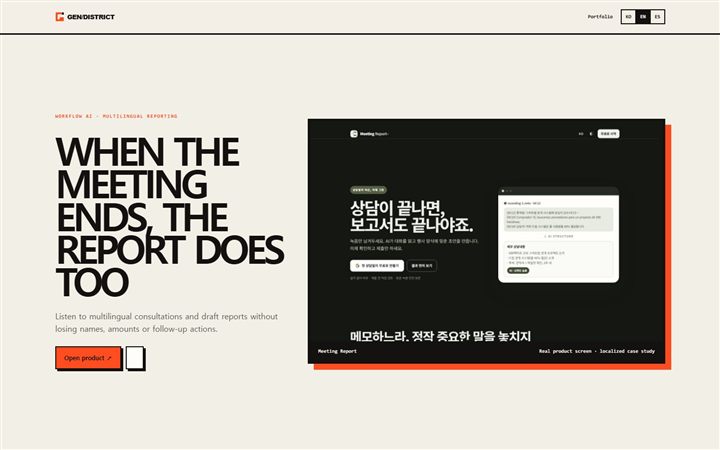
A tool that hears multilingual consultations and drafts reports without losing names, numbers or follow-up actions.
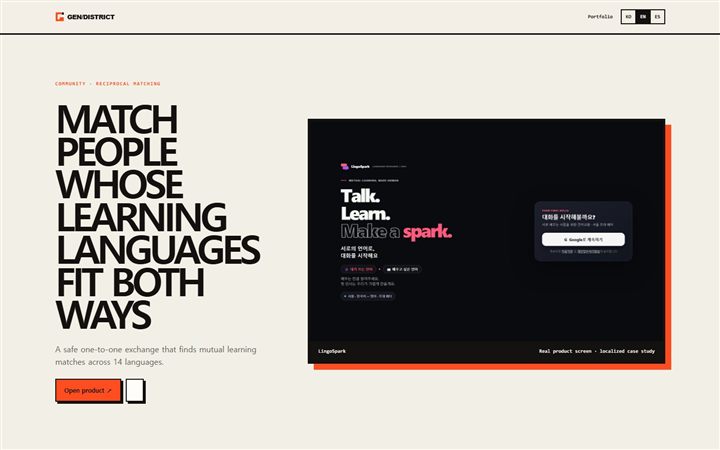
A safe one-to-one exchange that finds mutual learning matches across 14 languages.
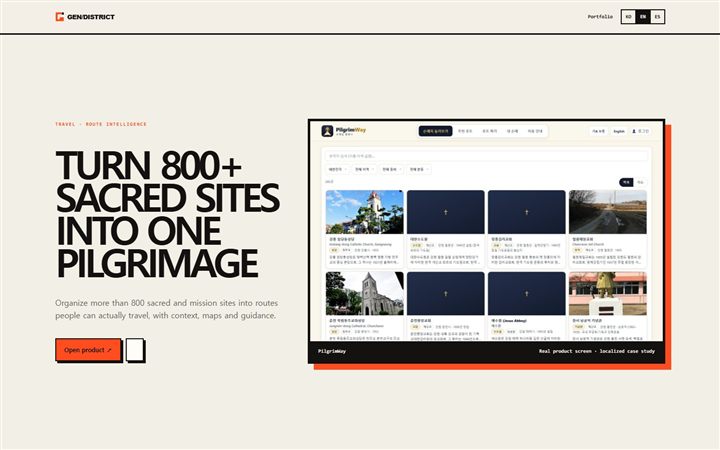
A pilgrimage product that organizes more than 800 sites into routes people can actually travel, with context and guidance.
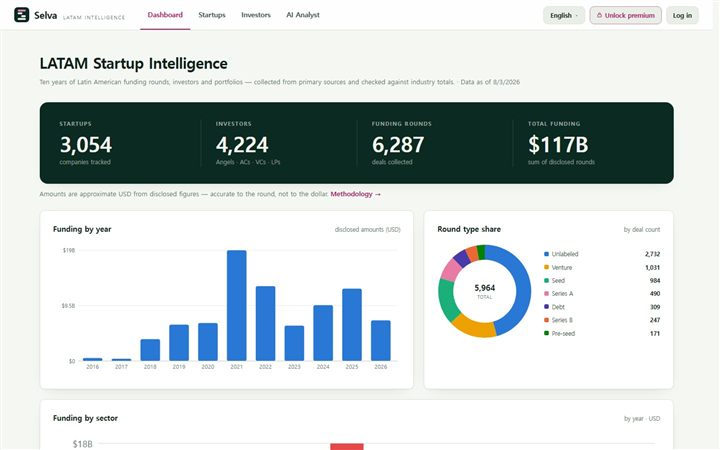
A venture-intelligence map for exploring Latin American startups, investors and funding rounds with original sources attached.
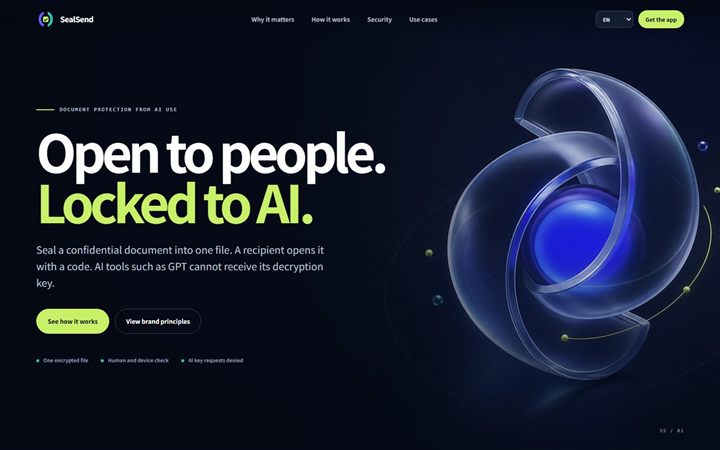
Document security that encrypts a confidential file for verified people while refusing to release decryption keys to AI.
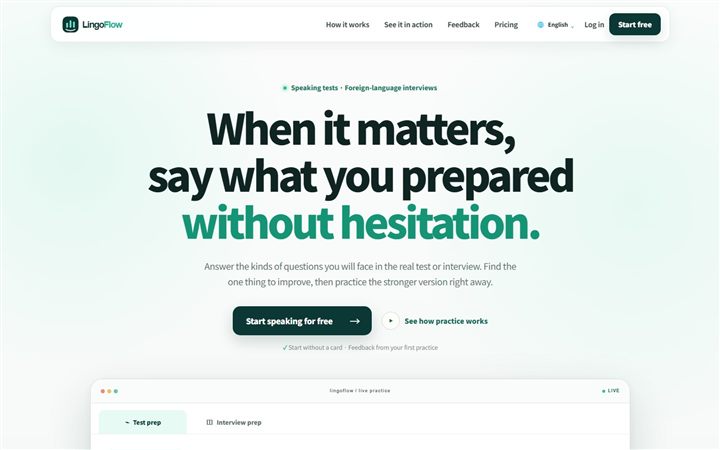
An AI coach for realistic speaking-test and foreign-language interview practice, with one clear improvement and a sentence to retry after every answer.
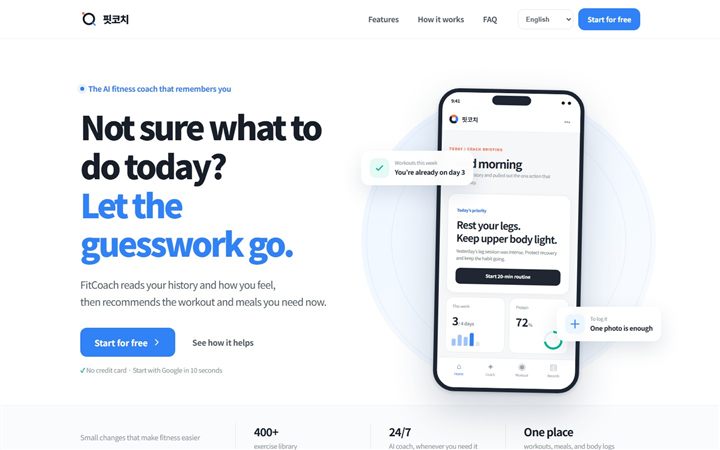
An AI fitness coach that reads workout, meal and body history plus today’s condition to suggest a realistic plan and the next action.
Start with the work participants actually do. Build AI around it, then try it in a game-like simulation based on real workplace situations.
 01 / WORKFLOW-SPECIFIC AX · LG KAM
This was not a tour of general AI tools. We analyzed KAM work across LG Electronics, Chem, Energy Solution, Innotek and Magna, then built tools and agents around market sensing, RFQ strategy and internal and external negotiation. Participants finished by negotiating with an NPC grounded in a real sales situation.
“The real-time conversation with an NPC felt the most realistic.”— LG KAM AX participant
Use market evidence and internal approval boundaries. The counterparty reacts to the choices and evidence you present.
BUYER / NPCA competitor offered a lower price. Explain why your proposal is different.
KAM / YOUI will show three points based on total cost and supply stability, not unit price alone.
 02 / FIELD-WORK AX · KOTRA
Instead of touring prompt features, the program started with recurring work: buyer meeting notes, market and regulation research, and CRM follow-up. Participants designed models and field agents, tested them in virtual missions, and co-built an EU market monitoring application with KOTRA as a working outcome.
A monitoring application that turns changes in EU markets into trade-office work
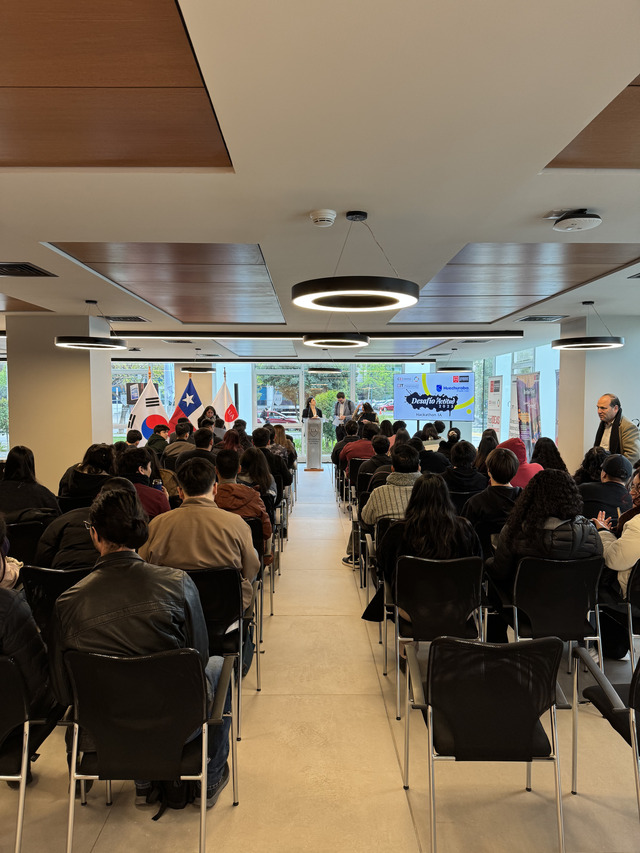
At an AI hackathon organized by Universidad Autónoma and the Municipality of Huechuraba, students and municipal staff defined internal administration problems and developed software proposals suited to public work. GenDistrict supported building with MAIDEPOT.
Define what AI may do and what a person must review or approve.
Decide storage, access and external model use before the build begins.
Measure changes in time, cost, quality and customer experience, not the number of pilots.
Choose the right model for the work and make it possible to change later.
Watch quality after launch, recover from failures and keep improving.
Your plan does not need to be complete. Start with the question you have now.
Look for work that repeats often, causes errors or creates a clear benefit when improved. If the workflow is already chosen, we can skip another assessment and start with training or a build.
Yes. We build the program around the work participants actually do, not a tour of features. The team leaves with workflows and rules it can use right away.
Yes. In two weeks, we turn one important workflow into a working screen with real data. The owner can try it and review quality, time and risk before deciding what comes next.
It can connect to CRM, ERP, collaboration tools, document stores and internal APIs. We can begin safely with read-only access or human approval.
Not by default. Before work begins, we agree on storage, access and exactly what may be sent to an external model. Private environments and de-identification can be used when needed.
Yes. GenDistrict can keep operating quality, cost, security and improvements, or prepare the source and procedures for your internal team.
You do not need an AI plan or a requirements document. Tell us who does the work and how often, and we will first look at whether AI can help.